 By
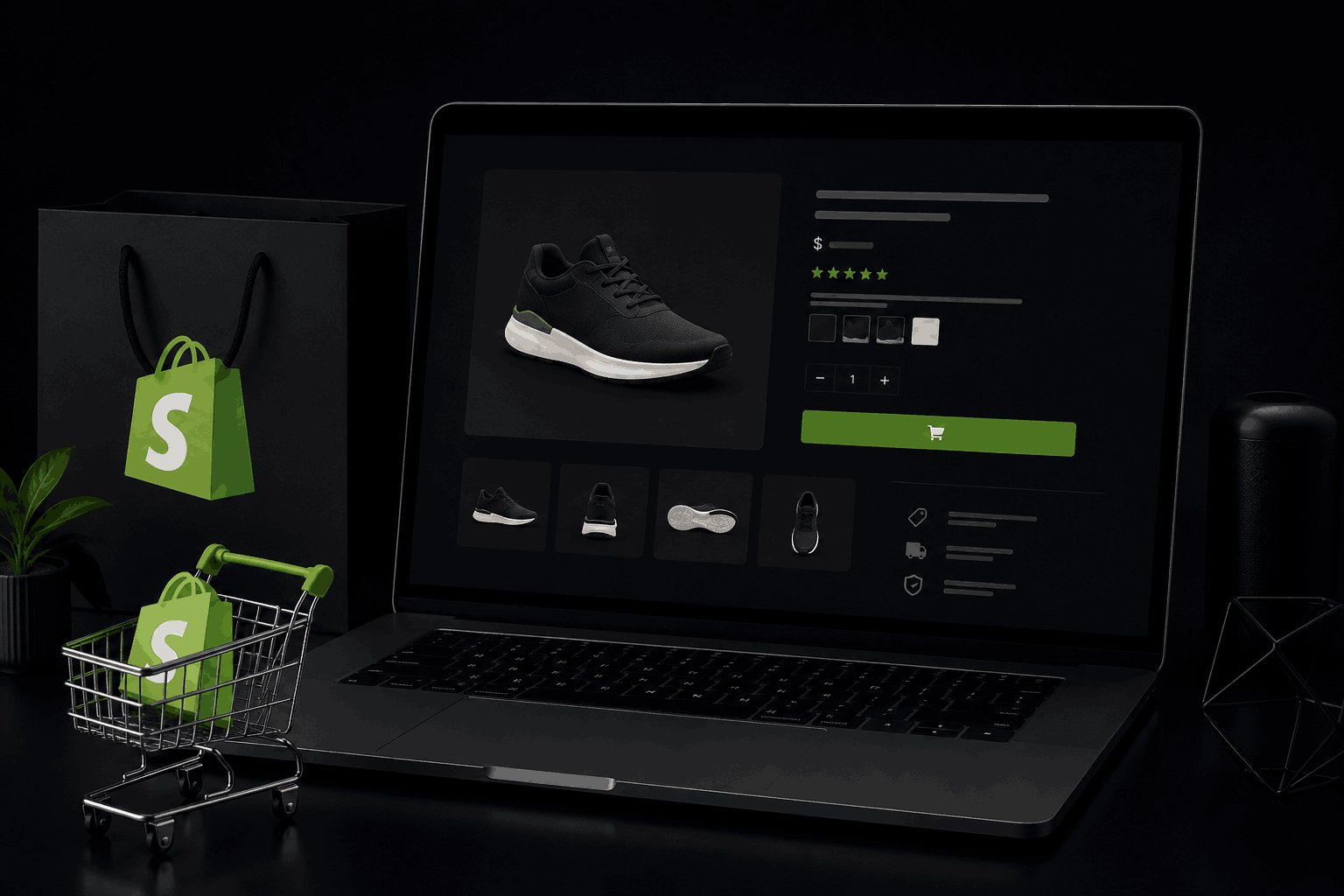
ByOptimise your product titles, descriptions, images, URLs, reviews, and schema markup, in that order. A Shopify product page is where research turns into a sale. Most stores waste that page on a thin description and a default template.
I am Prabir Mandal, an SEO and GEO specialist. I have audited and optimised Shopify stores across fashion, electronics, home goods, and niche ecommerce.
This article walks through every part of a Shopify product page, with the exact steps I use during a store audit.
A Shopify Product Page Checklist
- Title includes the product name, key attribute, and brand where relevant.
- Description is unique, detailed, and written for both shoppers and search engines.
- URL is short, keyword-based, and free of variant IDs.
- Images are compressed, multiple, and carry specific alt text.
- Reviews are visible on the page and marked up with schema.
- Product schema, price, and availability are correctly implemented.
- Internal links connect the product to its collection and related items.
Why Product Pages Decide the Sale
A shopper who lands on a product page has moved past general browsing. They compare price, read the description, check the images, and look for reviews before they decide.
Google also treats this page differently from a collection page, ranking it for specific, high-intent searches like a model number, a precise product name, or a “buy” query.
A weak product page loses on both fronts. It ranks poorly, and it fails to convert the traffic it does get. Fixing the technical and content gaps on this page usually improves ranking and sales at the same time.
Write Product Titles That Work for Search and Shoppers
Lead with the product name. A title like “Men’s Leather Running Shoes – Black” performs better than “Black Running Shoes for Men, Leather, Size 6-12,” since search engines give more weight to the words placed first.
Include one key attribute, not five. Add the detail shoppers search for most, such as material, color, or size range. Cramming every attribute into the title creates clutter and buries the main keyword.
Match the title to your actual search demand. Check what shoppers type into Google or Amazon for this exact product, and use that language, rather than internal product names or SKU codes.
Build Product Descriptions That Sell and Rank
Write a unique description for every product. Shopify makes it easy to copy a supplier’s default text. That same text often appears on dozens of other stores, which tells Google your page adds nothing new.
Answer the shopper’s real questions in the first two sentences. State what the product is, who it suits, and what problem it solves, before any secondary detail.
Cover specifications in a clear, scannable format. Use short paragraphs or a simple list for size, material, care instructions, and compatibility, so shoppers can scan quickly and Google can parse the content cleanly.
Include the primary keyword and natural variations. A page for “wireless earbuds” should also mention terms like “Bluetooth headphones” or “noise cancelling,” since these variations show up in different search queries for the same product.
Fix Your Product URLs
Keep the URL short and keyword-based. A URL like “yourstore.com/products/mens-leather-running-shoes” ranks better and looks cleaner in search results than one padded with numbers or category folders.
Remove variant parameters from the indexed URL. Shopify often generates URLs like “?variant=39823471” for each size or color option. Set a canonical tag pointing every variant back to the main product URL, so you avoid duplicate content across near-identical pages.
Keep the URL stable once it ranks. If you must change it, add a 301 redirect from the old URL to the new one immediately, so the page does not lose its ranking history.
Optimise Product Images for Search and Speed
Use multiple images per product. Show the product from different angles, in use, and at a zoomed detail level. This helps conversion, and Google Images sends real traffic to well-illustrated product pages.
Compress every image before upload. Large image files slow the page down, which hurts both ranking and the shopper’s experience. Shopify apps like TinyIMG or built-in compression tools handle this quickly.
Write specific alt text for each image, not a repeated tag. Alt text like “product photo” adds nothing. Alt text like “men’s black leather running shoe, side view” supports image search and accessibility at the same time.
Add Reviews and Make Them Visible
Display reviews directly on the product page, not on a separate tab hidden by default. Reviews add unique, ongoing content to the page, and Google treats fresh review text as a positive signal.
Mark up reviews with schema. Review schema allows star ratings to appear directly in Google search results, which increases click-through rate even before the page ranks higher.
Respond to negative reviews on the page where possible. This adds more unique content, and shows both shoppers and Google that the store is active and accountable.
Implement Product Schema Correctly
Add Product schema with price, availability, and rating. Most Shopify themes include this by default, but confirm it through Google’s Rich Results Test, since misconfigured schema is common after theme customisation.
Keep price and stock status accurate in real time. Schema showing a price or stock level that does not match the page confuses shoppers and can trigger a manual warning from Google.
Add Brand and SKU fields where available. These fields help Google match your product to broader product search features, including Google Shopping listings.
Strengthen Internal Linking
Link every product to its parent collection. A product page should sit clearly under its collection in the site structure, both through breadcrumbs and through a visible link back to the collection.
Link to related or complementary products. A running shoe page should link to running socks or insoles, since this keeps shoppers moving through your store and spreads ranking strength to related pages.
Link from blog content to relevant products. A blog post about choosing running shoes should link directly to the specific product pages it recommends, passing relevance and authority to those pages.
Frequently Asked Questions
Does Shopify handle product page SEO automatically?
No. Shopify sets up the basic page structure and default schema, but titles, descriptions, image optimisation, and internal linking all need manual work.
How long should a Shopify product description be?
There is no fixed number. Cover the product’s key details, benefits, and specifications fully, which often lands between 150 and 400 words, rather than targeting a set count.
Do duplicate product descriptions from suppliers hurt SEO?
Yes. If the same description appears on other stores, Google has no reason to rank your page above the original source or a competitor with unique content.
Should product pages or collection pages rank for broad search terms?
Collection pages usually rank better for broad terms like “running shoes.” Product pages rank better for specific terms, such as a model name or a precise product description.
Should I optimise product pages for AI search tools too, not just Google?
Yes. Clear specifications, real reviews, and accurate schema help both Google rankings and GEO, since AI tools like ChatGPT, Google Gemini, and Perplexity AI often pull exact product details when answering shopping questions.
Get Your Shopify Product Pages Fully Optimised
You now know every part of a Shopify product page that affects ranking and conversion, from the title to schema markup.
I run full Shopify SEO audits, covering every item in this checklist, along with GEO for AI search visibility. My work includes hands-on fixes, not just a list of recommendations.
Contact me today. Share your store URL. I will send back a clear list of what is holding your product pages back, and how to fix it.